Webex Meetings Makes the Phone a Serious Place to Join

Webex Meetings
The modern meeting rarely waits for a proper desk. It begins while someone is walking back from school pickup, sitting in a parked car, or trying to rescue a workday from a noisy kitchen. That shift makes Webex Meetings more than a smaller version of desktop conferencing: it is a practical answer to the expectation that you can join from wherever the day has left you. Its value is not that every call feels better on a phone. It is that the phone can now carry a serious meeting without making participation feel like an emergency workaround.
This is a timely utility because our habits have changed faster than our calendars. Teams distribute across offices and time zones, appointments spill into personal hours, and even people who work in the same building often coordinate by video rather than crossing the floor. Webex is built for that reality, with a mobile interface focused on joining, seeing who is present, managing audio and video, and following the conversation. The app cannot make a badly run meeting worthwhile, but it can lower the friction between an invitation and being there.

Webex Meetings
Cisco Systems, Inc. · 4.5 · Free · Android, iOS


The phone is becoming the meeting room
For years, mobile video calls were treated as a fallback: useful if a laptop failed, awkward if anything important was at stake. That assumption has softened. People now expect to move between devices and locations without dropping out of the working day. A calendar reminder lands on the phone, a colleague shares a link in chat, and the simplest route is to join immediately rather than wait until a computer is available.
The change is not just about remote work. Hybrid schedules make attendance less predictable, while caregiving and errands create pockets of time that are difficult to protect. A phone meeting can turn a ten-minute gap into useful coordination. It can also let someone listen while away from a desk, then speak when the conversation reaches their part. This flexibility is valuable, though it should not be confused with a demand to be permanently available. A good meeting app makes joining easier; it does not decide whether the meeting deserves your time.
There is a broader mobile habit behind the shift: people increasingly expect essential tasks to work in the same place they already check messages, tickets, maps, and payment cards. Da Fit helps a watch wearer glance at activity; Google Wallet puts a payment credential within reach; Pinterest makes visual browsing feel natural on a small screen. Webex belongs to a less casual category, but it follows the same expectation of immediate access. When an invitation arrives, the phone is no longer merely where you notice it. It is where you can act on it.
What Webex gets right on mobile
The app’s strongest quality is that its core job is clear. It is designed around entering a scheduled or link-based meeting and staying oriented once inside, rather than making users hunt through a sprawling workspace before they can participate. On a phone, that focus matters. A narrow display leaves little room for decorative complexity, and a host or attendee needs to find the controls that matter without turning a simple join into a setup project.
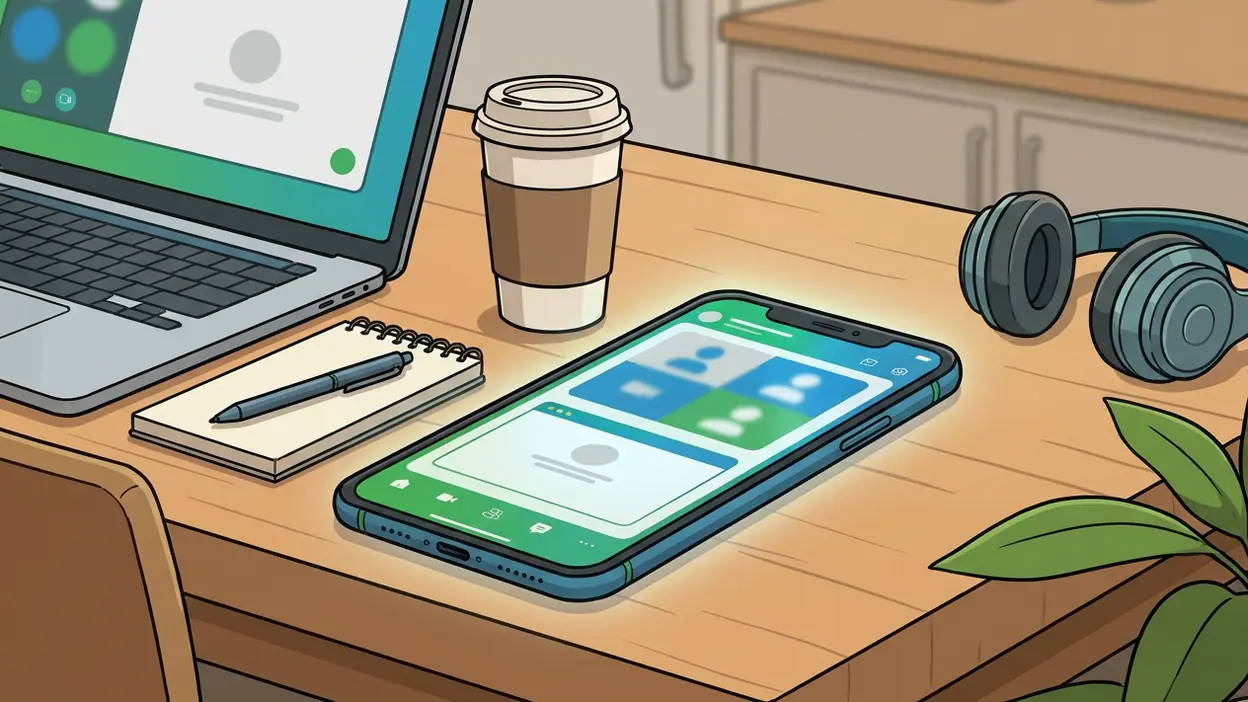
Webex Meetings gives mobile users the familiar essentials: audio and video controls, participant visibility, and ways to engage with a meeting without sitting at a computer. The experience is most useful when you need to join quickly, listen carefully, and contribute at the right moment. If you are moving between rooms or joining from a temporary location, the app makes a phone feel like a credible endpoint rather than a second-rate one. That is the timely part: the tool meets a work pattern people already have instead of asking them to return to an idealized office routine.
It helps immediately in situations that are ordinary but consequential. A consultant can join a client check-in while away from the main workstation. A manager can catch a short team update between appointments. A student or volunteer can attend a planning call from a shared space, using headphones to keep the conversation private. Someone who receives a late meeting link can enter without first opening a laptop, searching for a charger, and finding a quiet room. In each case, the gain is less about dazzling features than removing small delays that often cause people to miss the opening minutes.
Mobile also changes what participation looks like. In a conference room, attention is visible through posture and eye contact. On a phone, a person may be listening while standing in a hallway or waiting for a ride. The app can preserve access, but the user still has to manage the social side: mute when appropriate, choose a sensible camera angle, and say when they cannot give the call full attention. Webex makes those choices possible; it cannot make an awkward setting disappear.
Compared with older approaches, the improvement is practical rather than theatrical. Dial-in numbers and audio-only calls remain useful, but they strip away faces, shared context, and much of the social signal that helps a group understand whether a point has landed. A laptop can provide a richer view, yet it is not always nearby. The mobile app sits between those extremes, giving users a visual meeting space in the device they already carry. That is not automatically better than a focused desktop setup, but it is easier than treating every interruption as a reason to miss the meeting.
Webex also benefits from serving a familiar workplace convention. Many organizations already use meeting links and scheduled calls as part of their daily machinery, so a mobile client can slot into an existing routine instead of asking a team to rebuild it. That familiarity matters more than novelty. Pinterest can invite open-ended browsing, and Free Fire: 9th Anniversary is built around entertainment and play; a business meeting app must be dependable and legible before it can be enjoyable. Here, utility is the point.
The rough edges are part of the mobile bargain
The phone remains a constrained meeting room. A small screen makes it harder to watch several faces while reading shared material, and switching between the call and another app can interrupt concentration. If a presentation contains fine detail, a phone may let you attend but not inspect the content comfortably. Longer sessions also expose the familiar costs of mobile video: battery use, heat, data consumption, and the need for a stable connection.
Audio and camera quality depend as much on the environment as on the software. A loud café, a weak signal, or a phone propped at chin level can make a polished meeting platform feel makeshift. Mobile controls can also demand a little attention at the very moment you should be listening. The first time you join from an unfamiliar setup, it is sensible to check your microphone, speaker, and camera before the conversation gets underway. These are not unique failures of Webex, but they are real limits that marketing language tends to glide past.
There is also a behavioral rough edge: making attendance effortless can make meetings easier to schedule and harder to refuse. If people can join from anywhere, organizations may quietly treat every spare moment as available work time. The app is useful when it gives someone control over where they participate; it is less healthy when convenience becomes a new standard of constant responsiveness. The best use is deliberate: join on mobile when mobility solves a real problem, not simply because the link is there.
For a call that requires detailed document review, rapid note-taking, or sustained discussion, a laptop or desktop is still the better tool. A larger display gives shared content room to breathe, and a keyboard makes follow-up work faster. Webex Meetings works best as part of a device continuum: the phone catches the call when life is in motion, while a computer remains preferable when the meeting itself is the main event. That division is a strength, provided users do not mistake flexibility for a reason to do everything on a smaller screen.
A durable need, not a temporary craze
The people adopting mobile meetings fastest are those whose days already move between places: field teams, client-facing workers, managers with packed schedules, caregivers balancing commitments, and staff in hybrid organizations. They do not necessarily want more video calls. They want fewer missed handoffs and less dependence on being at one particular desk at one particular time. For them, a capable meeting app is a form of continuity.
This trend says something revealing about mobile life. The phone has moved from a companion device to a working surface, but not every task benefits from being compressed into it. The winning mobile tools are the ones that recognize the difference between access and full-scale work. Webex gives people a route into the conversation, then leaves them to judge whether the phone is enough for the job. That balance feels more honest than pretending a small screen can replace every office setup.
The relevance is likely to last because distributed schedules are not a temporary detour. Even organizations that bring people back into offices still rely on external partners, traveling colleagues, and employees who cannot always be in the same room. The exact meeting habits will change, and some teams may shift between platforms, but the demand for dependable mobile access is structural. As long as work is arranged through live conversation, a phone-based way to join will remain useful.
My recommendation is straightforward: Webex Meetings is worth keeping ready if your calendar regularly follows you away from your desk. It makes short-notice attendance and on-the-move participation more manageable, without pretending that a phone is ideal for every call. If your work is mostly local and your meetings always happen at a computer, its mobile value may be occasional. But for anyone whose day refuses to stay in one place, Webex turns the pocket device into a practical meeting room, and that is precisely why it feels more essential now.