Weather & Radar Forecast Makes the Call Before You Head Out

Weather & Radar Forecast
The forecast says rain later. The sky over your street is already dark, and you have a choice to make: leave now, wait, or bring the umbrella you will resent carrying if the clouds pass by. That small, familiar calculation is where Weather & Radar Forecast earns this week’s recommendation. It puts the forecast and a moving radar picture close enough together to turn checking the weather into a practical decision, rather than a glance at a temperature followed by a guess.
There is no grand reinvention here, and that is part of the appeal. Weather apps are at their best when they answer the question you actually have, in seconds, without making you dig through a parade of charts. Weather & Radar Forecast is a particularly worthwhile pick for people whose plans depend on what is happening overhead right now: commuters, dog walkers, cyclists, parents heading out with children, and anyone who would rather not get caught halfway across town by a shower.

Weather & Radar Forecast
WetterOnline · 4.8 · Free · Android, iOS

Weather - By Xiaomi
4.1 · Free

The Weather Channel - Radar
4.6 · Free

1Weather Forecasts & Radar
4.3 · Free
Why it won the week
The strongest case for this app is its combination of immediate conditions, forecast information, and radar imagery. A temperature reading can tell you whether to expect a warm afternoon; it cannot tell you as plainly whether a rain band is approaching your neighborhood. The radar view supplies that missing context, giving the forecast a sense of movement and place.
That matters because weather decisions are rarely about numbers in isolation. A chance of rain sounds abstract until you see precipitation moving toward the area where you are standing. A windy afternoon is more relevant when you are planning a ride or walking along an exposed route. The app makes it easier to connect broad predictions to the next few hours of real life. It turns weather from a report into a plan.
For an App of the Week, I want more than a familiar utility that happens to work. I want something with a clear reason to keep it within reach. Weather & Radar Forecast has that reason: the radar can help resolve uncertainty at precisely the moment a standard daily forecast feels too broad. Its value is not that it predicts every cloud perfectly, but that it gives you another useful view before you commit to going out.
What stands out instantly
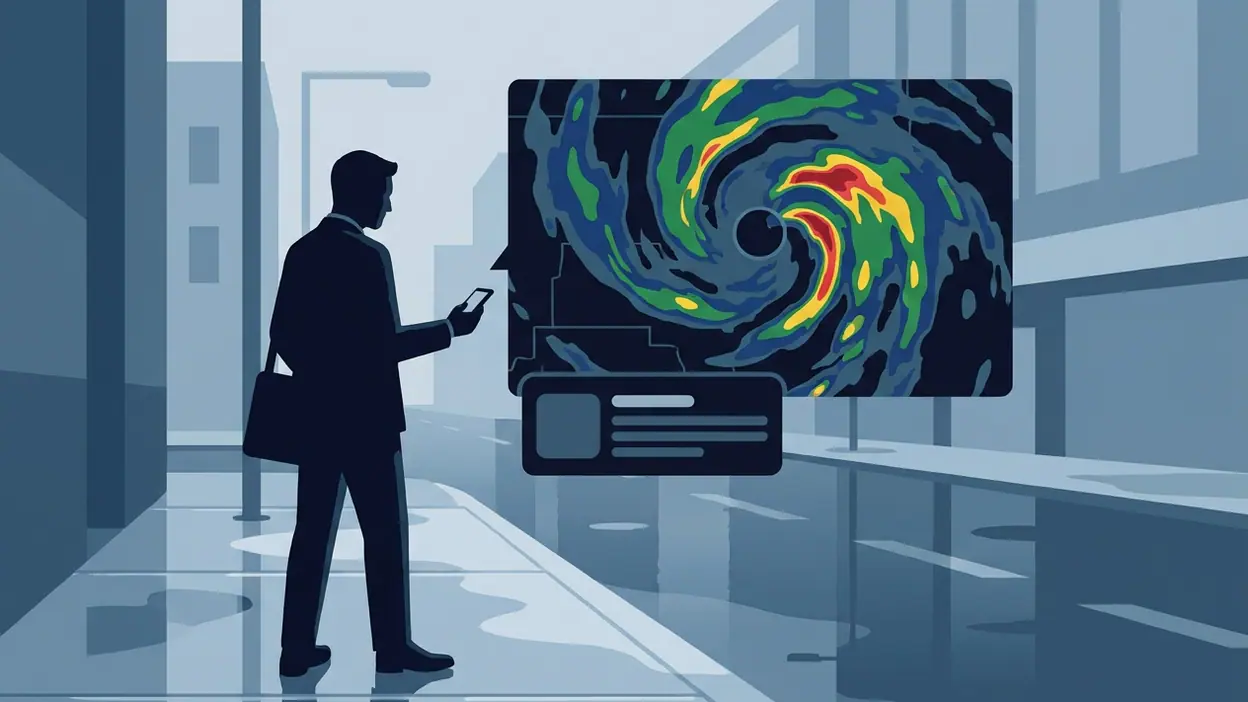
The defining feature is the map. Rather than treating radar as a buried extra, the app makes it a central way to understand current conditions. You can look at the precipitation pattern and get a more intuitive sense of what is happening nearby than a row of hourly icons can provide. Maps are a natural fit for weather because rain does not respect the neat boundaries of a forecast card.
The other immediate strength is the way different time scales can work together. Current conditions help answer “What is it like now?” Hourly forecasts help with “What will my afternoon look like?” Radar helps with “Is this shower moving toward me?” Those are related questions, but they are not interchangeable. Keeping them part of one weather-checking routine saves the mental hop between a basic forecast and a separate radar tool.
There is also a useful sense of scale. A quick glance can cover the local outlook, while the map gives a wider picture when a change in weather seems close. That makes the app suitable for both habitual checking and the occasional, slightly anxious look at the sky before a long walk. It feels most effective when used as a compact weather dashboard, not as an invitation to scrutinize every atmospheric detail.
Best use cases
On a workday, the radar is most valuable before the commute home. A forecast can say showers are possible, but seeing rain nearby makes it easier to decide whether to cycle, take a jacket, or leave a little earlier. The app does not make the decision for you; it supplies a sharper snapshot so you can make it with less guesswork.
For outdoor plans, it is a good companion to the final check before leaving. A morning forecast may look reassuring while conditions shift later in the day. Checking the local outlook and radar together can help you choose a better window for a run, a picnic, or a drive. Parents juggling school pickup and errands may find the same basic benefit: less uncertainty about whether to pack another layer or adjust the route.
Travelers can use it to get a quick sense of the weather around their current location and the surrounding area. That is especially helpful when the conditions outside do not match what they expected from home. It is not a substitute for careful travel planning in severe weather, and no consumer forecast should be treated as a guarantee. But for ordinary decisions about rain, temperature, and timing, it is a convenient second look.
What feels fresh
Weather & Radar Forecast does not need an unusual new feature to feel useful. Its freshness comes from placing visual context alongside the familiar forecast. Many weather checks are small rituals: tap the app, read the temperature, close it. Radar gives that ritual a more active purpose. You are not simply collecting a number; you are checking whether conditions are changing in a way that affects your plans.
That shift sounds modest, but it changes how often the app earns a place on your home screen. A forecast widget is easy to glance at and forget. A map can prompt a real choice: leave before the rain, take a different route, or stop worrying because the shower is moving away. The best utility apps often work like this. Their value comes less from spectacle than from making a familiar task a little more informed.
There is a satisfying directness to the experience, too. Weather is inherently visual, and radar lets the app use that fact instead of forcing every update into text. It gives curious users a more tangible way to follow conditions without asking them to become amateur meteorologists. That balance is the pick’s quiet achievement.
Who will connect with it fastest
This is an easy recommendation for anyone who checks the weather several times a day, especially if “Will it rain soon?” is more important than a long-range outlook. People who walk or cycle regularly, work outdoors, run errands on foot, or coordinate family schedules are likely to understand the app’s appeal almost immediately. So will anyone living somewhere that can turn from clear to showery without much warning.
It should also suit people who prefer visual information. If you find a colored radar map more useful than a string of percentages, the app’s central idea will click quickly. Conversely, if you only need a basic temperature and a single daily high, a lightweight forecast app may already cover your needs. This is a recommendation for people who want a little more context, not a demand that everyone replace their current weather habit.
That distinction matters. The app is most rewarding when the weather influences what you do next. If you rarely change plans based on a forecast, its extra detail may go unused. But if you have ever checked the sky, checked a forecast, and still wondered whether to bring a coat, the radar view addresses that uncertainty in a way a plain number cannot.
Where it beats bigger names
Some major platforms make weather feel like one tile among many. Google’s ecosystem is convenient for quick answers, but a search result or built-in weather panel is usually a brief stop, not a dedicated place to inspect how nearby conditions are developing. Weather & Radar Forecast makes a stronger case when the map itself is what you want to consult.
That focus is its advantage over a broader digital assistant: the weather remains the main event. You can open the app with a specific question and spend your attention on conditions, rather than navigating a service built to connect weather with a much wider set of tools. It is a narrower experience, and in this case that narrowness feels intentional.
The comparison is not about claiming that one app is universally more accurate or more capable. Forecast quality depends on location, conditions, and the data available, and users should judge it against the places they actually visit. The clearer distinction is purpose. If you want a fast glance inside an all-purpose platform, the bigger name may be enough. If you want to look at weather as a moving local picture, this dedicated app has the more persuasive format.
Where it still has limits
Radar is powerful, but it can also invite overconfidence. The map is a representation of precipitation, not a promise about exactly when a raindrop will hit your front door. Forecasts can change, local conditions can be uneven, and a dramatic patch of color does not always translate into a dramatic experience at street level. It is best treated as guidance, especially for short-term planning, rather than a guarantee.
The app may also feel more detailed than necessary to someone who wants only a quiet glance at the day. A map asks for interpretation; even a readable one requires more attention than a temperature and a simple icon. Some users will prefer a minimal display that gives the essentials without encouraging a closer look. Others may find that the range of information makes it easier to stay informed.
There is a broader limitation shared by every weather service: predictions become less certain as conditions and time frames change. A compelling visual interface cannot remove that uncertainty. I would use the app to make everyday choices, while checking official local alerts when severe weather is possible. That is not a knock against its design; it is sensible use of any forecast tool.
Why now is the right moment
Weather is one of those parts of daily life that people tend to notice only when it disrupts the plan. A week of shifting showers, a stretch of unexpectedly hot afternoons, or a commute that depends on a narrow dry window can make a better weather habit feel immediately valuable. This app is worth trying now because its most useful feature is easy to understand in one session: compare the forecast with the radar, then see whether that extra context changes what you do.
It is also a low-commitment discovery. You do not need to rebuild your routines or learn a complicated system. Open the app when you are unsure about the next few hours, check the map, and decide whether the information earns a spot in your regular rotation. If it does, the payoff arrives in small, practical moments: leaving with a jacket, choosing a different time for a walk, or feeling confident enough not to carry one.
That is a better reason to try a weather app than novelty for its own sake. Weather & Radar Forecast fits a real, recurring question, and its map gives that question a more useful answer than a daily high alone. The result is not dramatic; it is the sort of improvement you appreciate when it saves you from one avoidable inconvenience after another.
My editor’s note: Weather & Radar Forecast deserves this week’s pick because it puts the right tool in front of the right question. It will not make the weather certain, and it does not need to. For anyone who plans around rain, changing skies, or time outdoors, its combination of forecast and radar makes a compelling everyday companion. Install it before your next uncertain forecast, then let the map help you decide what the sky is asking of your day.