Google Keep Review: Quick Notes That Stay Useful

Google Keep - Notes and lists
The useful note is usually the one you can make before the thought disappears. A grocery item comes to mind while you are walking; a colleague gives you a detail in the hallway; you need to remember a parking level with your hands full. If recording it takes more effort than holding it in your head, the note never gets made. Google Keep - Notes and lists works because it makes capture quick, then gives those scraps just enough structure to stay useful.
That is a modest promise, but a valuable one. Keep is not trying to become a project-management system or a second brain with a filing ceremony. It is a lightweight place for notes, lists, pictures, and reminders that sync across your devices. After using it for ordinary errands and small work details, I found its best quality was not any single feature. It was the short distance between noticing something and having it safely recorded.

Google Keep - Notes and lists
Google LLC · 4.7 · Free · Android, iOS


Why Keep feels easy to use
Open the app and the main choices are plain: start a text note, make a list, add an image, or record a voice note. That simplicity matters most on a phone, where a few extra taps can be enough to derail a quick task. A list can begin with one item and grow as you remember the rest. A note can stay a single sentence rather than being pushed into a template or a notebook structure.
The home screen presents notes as cards, with optional colors and labels to help separate different kinds of information. Pinning puts the notes you rely on near the top; archiving clears completed or old material without forcing you to delete it. Search can retrieve a phrase, and Keep can also find text within images, which is handy when a photograph of a notice or handwritten detail is easier than typing it out.
None of this is complicated, and that is the point. Microsoft OneNote can suit people who want notebooks and deeper organization; Keep is better for the note that needs to exist right now. Adobe Acrobat Reader is the more appropriate tool for working directly with a PDF. Keep does not replace either. It fills the gap before those heavier tasks begin: capture the thought, make a quick checklist, or save a useful detail where you can retrieve it.
What makes it stick
The app becomes valuable through accumulation. A reusable packing list, a note with the measurements for a shelf, the name of a restaurant someone recommended, and a running list of household supplies can all sit together without requiring a system overhaul. Because each item is small, you can add to it in the moment and return later without remembering which folder you chose.
Reminders add a practical nudge to selected notes. A time-based reminder is useful for a call or errand; a location-based one can bring a note back when you reach a place, where supported. That changes a note from passive storage into something closer to a prompt. It is especially effective for tasks that are easy to forget but too minor to justify a dedicated task manager.
Keep also works well when a note needs more than text. A photo can preserve a label, a receipt detail, or a whiteboard; voice capture can be faster than typing while moving. These options do not turn the app into a full document scanner or audio workspace. They simply let the note match the information you have in front of you.
Where it earns a place in daily life
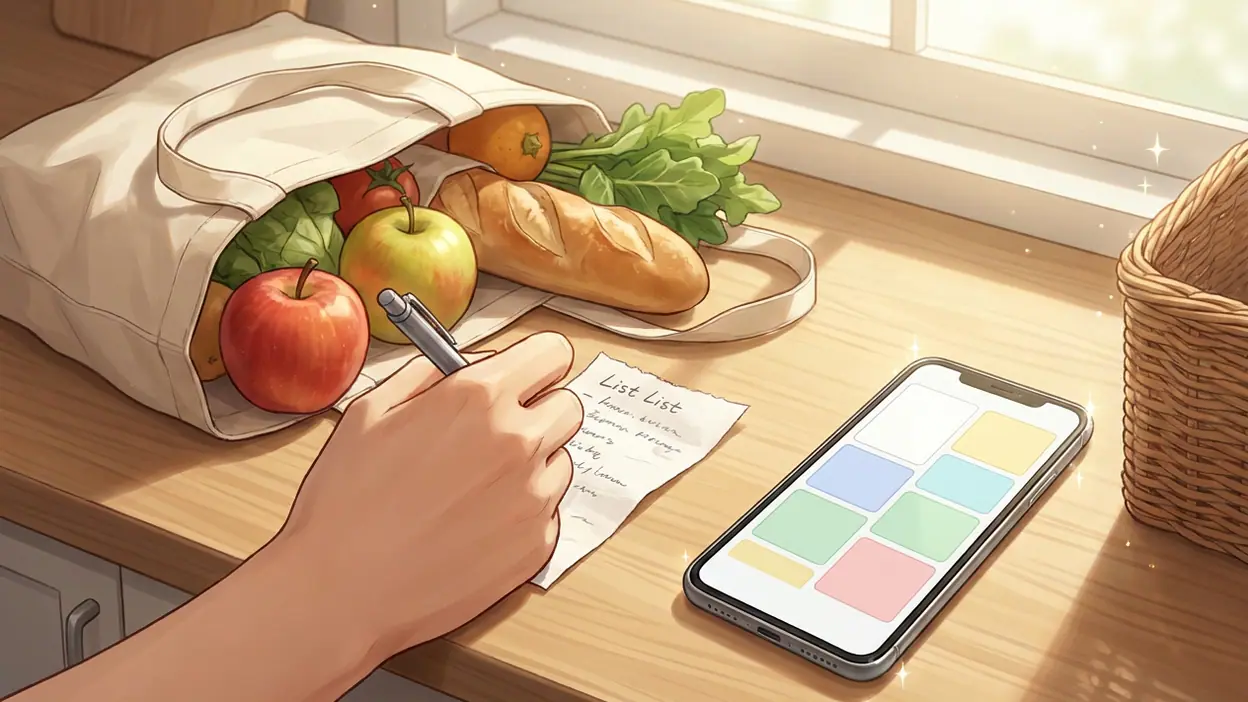
Shopping is an obvious example, but the small conveniences are broader. Keep a grocery checklist open while walking through a store, and check items off as they go into the basket. The next trip can start from the same list rather than from memory. For travel, keep confirmation details, an address, and a short packing checklist close at hand. For home projects, collect measurements and reference photos in one note instead of scattering them through the camera roll and message history.
At work or school, Keep is useful for brief instructions and details that do not deserve a formal document: a meeting follow-up, a question to ask later, or a few points to include in an email. A voice note can preserve an idea when typing would interrupt what you are doing. If your work depends on long research notes, elaborate formatting, or structured notebooks, OneNote is likely the stronger fit. Keep is at its best when the useful unit is a quick, self-contained piece of information.
Sharing can make lists more practical for a household or small group. A shared checklist reduces the familiar problem of one person buying something that another already picked up. It is not a sophisticated team workflow, and permissions or collaboration needs may call for another tool, but basic coordination does not have to become a project.
Time saved, friction removed
Keep saves time in brief increments: no need to reopen a conversation to find an address, rebuild the same list every week, or remember which pocket notebook holds a measurement. Each saved minute is small. The benefit is that the app can prevent a string of small interruptions, especially when a note is easy to search or already pinned where it is visible.
Its most meaningful friction reduction happens at capture. A long-form notes app may invite you to decide where something belongs before you write it. Keep lets you write first and sort later, if sorting is needed at all. Colors and labels are optional rather than a toll at the entrance. That makes the service forgiving: an imperfect note is still better than a forgotten one.
Keep is also less dependent on the surrounding Google ecosystem than a deeply integrated assistant workflow. Google Assistant may help create a note by voice in supported configurations, but voice commands and integrations can vary by device, account, and current service behavior. I would treat that as a convenience, not the foundation of the app. Direct capture in Keep remains the dependable habit.
A setup that stays out of the way
Start with a few labels that describe real uses, such as Home, Work, and Shopping. Avoid building a taxonomy before you have enough notes to need one. Pin only the items you consult frequently; if everything is pinned, nothing is easy to spot. Archive completed notes rather than letting the home screen become a record of every errand you have ever finished.
For repeat tasks, make one checklist and reuse it instead of creating another copy each time. Turn on reminders only for notes that genuinely need a prompt, or notifications can become another stream to ignore. If you save sensitive information, remember that convenient access is not the same as a dedicated password manager or secure records vault. Keep is for handy everyday reference, not a place to store credentials.
It is also worth checking which Google account is active and whether syncing is enabled on the devices you use. Keep's cross-device usefulness depends on that basic setup. The app is designed to make notes available across a signed-in account, but a shared device or work account can change who has access to what. A quick account check at the beginning can prevent an annoying surprise later.
Who should install it first
Keep is an easy recommendation for people who routinely lose small details between thinking of them and needing them. Students can collect short reminders and reading prompts; families can share simple lists; busy workers can capture follow-ups without opening a full task system. It is especially useful if you prefer a flexible pile of searchable notes over a strict folder structure.
It is less compelling for anyone who wants advanced formatting, extensive document management, or a carefully linked knowledge base. Notes are intentionally lightweight, and that means organization can become messy if you create a large volume without using labels, search, pinning, or archiving. There is also a trade-off in being simple: Keep does not offer the depth of dedicated planning or writing tools, and its strongest features are useful rather than particularly customizable.
One improvement I would welcome is more control over how a large collection is organized and reviewed, without making quick capture slower. The card layout is easy to scan at first, but a crowded home screen can become a jumble of colors and titles. Better ways to surface neglected notes or distinguish active lists from reference material would help frequent users. For a basic notes app, though, this is a limitation to manage rather than a reason to avoid it.
Google Keep - Notes and lists is worth installing because it makes everyday information easier to catch, carry, and act on. It will not replace a full document editor, a task manager, or a structured notebook, and it should not try to. If your main problem is forgetting the small things or wasting time finding details you already wrote down, Keep is a practical, low-maintenance answer. Give it a handful of real errands and reminders, and its value becomes clear quickly.