Google Assistant’s Edge Is Still the Everyday Task

Google Assistant
Google Assistant is gaining relevance at an awkward moment: the word “assistant” now suggests a new generation of chatbots, while millions of people still use the older, practical version to set timers, check the weather, send a message, or control a speaker. That mismatch is the story. The product’s momentum is less about a sudden reinvention than about how often voice and quick commands fit into the day without demanding a full session on a screen.
There is no single public install figure that proves a fresh surge, and it would be careless to invent one. The more convincing signal is behavioral: the assistant remains embedded across Android phones, smart speakers, cars, and connected devices, so its reach is measured in repeated use as much as in app-store downloads. At a time when productivity software is competing for attention, a tool that can be summoned in seconds has a meaningful distribution advantage.

Google Assistant
Google LLC · 3.9 · Free · Android, iOS


Its growth story is frequency, not spectacle. A person may open a notes app for a planned task or a PDF reader for a specific document. Assistant use often begins with an interruption: hands are busy, a question comes up, or the next step needs to happen now. That everyday entry point gives the product a different kind of stickiness from software built around long, deliberate work sessions.
Why the old assistant matters again
The current wave of generative AI has raised expectations for what a digital assistant should understand. People increasingly want tools that can interpret natural language, keep context, and move from an answer to an action. That pressure makes conventional voice commands look modest, but it also makes the basic promise more valuable: ask for something, get a useful response, and keep moving.
Many of the tasks people hand to Google Assistant do not need a grand conversational performance. A timer needs to start. A reminder needs to be saved. A call needs to be placed. For those jobs, speed and reliability matter more than a long explanation. Google has spent years putting the assistant near the services and devices people already use, and that placement can be more persuasive than a feature announcement.
The shift is especially visible in how users judge convenience. A voice assistant is not competing only with another assistant. It is competing with unlocking a phone, finding the right app, and tapping through a few screens. When the command works, those avoided steps are the product. When it does not, the advantage disappears immediately.
What changed around the product
The surrounding market has changed faster than the assistant’s core identity. Generative AI has made open-ended dialogue feel normal, and users now expect software to understand requests that are not phrased like formal commands. That raises the bar for a product long associated with direct questions and device control. It also creates a useful distinction: conversational range is impressive, but task completion is what makes an assistant worth keeping close.
Google’s ecosystem remains a major part of the proposition. On Android, the assistant can connect everyday requests with system features and Google services; in the home, it can handle compatible smart devices and speakers. This creates a broad surface area for use, though the experience varies by device, settings, account, region, and the services a person has connected. There is no single, identical assistant experience for everyone.
That variability is not new, but it matters more as the category becomes crowded. A modern assistant is judged not only by its answer to a question but by whether it can carry out the next action consistently. A polished response that leaves the user to finish the work manually is less compelling than a plain command that reliably does the job.
The quiet signals in user behavior
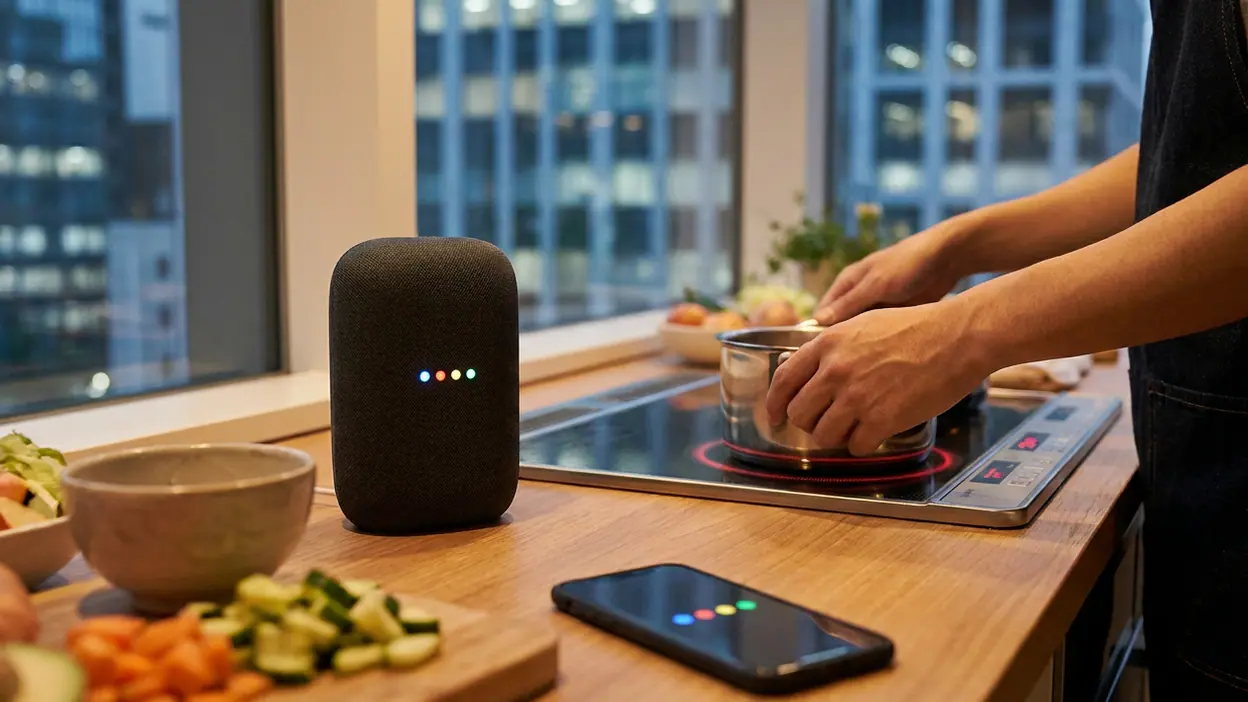
The clearest sign of usefulness is repetition. People tend to keep issuing small requests when the cost of trying is low and the benefit arrives quickly. Timers while cooking, weather checks before leaving, navigation requests in the car, and reminders made in passing all reward an interface that accepts speech. These are not dramatic demonstrations, but they are the routines that can turn a utility into a habit.
Voice also makes sense when the screen is inconvenient. A user carrying groceries, driving, or working with their hands may prefer speaking to searching through an app. That does not make the assistant a universal replacement for touch. It makes it a useful alternate route, and one that becomes more valuable when a task is short enough to express clearly.
The pattern helps explain why app-download rankings alone can miss the product’s position. Assistant capabilities are distributed across Android and other Google-enabled surfaces, so a user may rely on them without thinking of the assistant as a standalone app to revisit. Its presence is often felt at the moment of need rather than through a visible icon or a long daily session.
Category pressure and the rivals
Productivity apps reveal the limits of any one assistant. Adobe Acrobat Reader: Edit PDF is built for reading and working with documents. Microsoft OneNote: Save Notes gives ideas a durable, organized home. Link to Windows connects a phone to a computer, while HP Print Service Plugin handles a specific printing job. These products do not compete directly with voice commands, but they clarify the boundary: an assistant can initiate or simplify a task, yet dedicated apps remain better places to do sustained work.
The more direct pressure comes from other voice and AI assistants, alongside the operating system itself. Users may not care which service processed a request; they care whether the right device responded and whether the result was correct. If a speaker, phone, and car all behave differently, brand familiarity cannot fully cover the friction.
There is also a new expectation that an assistant should manage multi-step requests rather than simply answer one question at a time. That is where the market has become more demanding. The familiar utility model remains strong for quick commands, but it can feel limited beside systems that promise richer reasoning or longer conversational context. The challenge is to expand capability without making basic actions slower or less predictable.
Where the momentum is strongest
The assistant’s strongest ground is the connected routine: a phone in the pocket, a speaker in the kitchen, or a car interface that reduces the need to look down. In these settings, the service is close to the task and can be invoked in the same way each time. Familiarity lowers the effort required to ask, and the range of available devices gives the habit more chances to form.
It also benefits from the broad reach of Android. A tool that comes within easy reach on many phones can become familiar before a user actively chooses a productivity app. That does not guarantee loyalty, but it gives Google a head start in discovery and habit-building. For a utility, being available at the right moment can matter more than persuading someone to schedule a separate visit.
Still, availability is not the same as consistent quality. Voice recognition can stumble in noise or with accents and names. A command may produce an answer when the user wanted an action, or the assistant may need clarification at precisely the moment the user hoped to save time. These breakdowns are small, but they are memorable because the promise is immediate.
What ordinary users actually notice
For a typical user, the appeal is not an abstract vision of artificial intelligence. It is the relief of getting a small thing done without stopping what they are doing. Asking for a timer while cooking feels natural. Setting a reminder before forgetting an errand can be more useful than opening a planner later. Requesting directions aloud is a practical safety benefit when handled through a compatible car setup.
The assistant works best when the request is concrete and the expected outcome is easy to verify. Start a timer, call a contact, play a selected track, or turn off a compatible light: the user can tell quickly whether the command succeeded. Broad questions and complicated requests are more exposed to ambiguity, and the cost of a wrong assumption rises as the task grows.
That is why I see the product less as a replacement for apps than as a thin layer between intention and action. It can route a request toward a service, but it rarely removes the need for the service itself. Its value lies in shaving off friction at the edges of daily work, not in taking over the whole workflow.
What still feels fragile
Reliability remains the central weakness. Voice is unforgiving: one misunderstood name or an incorrect device choice can turn a shortcut into a correction session. Results also depend on connectivity, permissions, device support, and account configuration. When an assistant works across a broad ecosystem, that breadth creates convenience but also makes troubleshooting less straightforward.
Privacy is another practical consideration. People may hesitate to speak personal requests in shared spaces, and always-available microphones demand trust even when the user is not actively thinking about data handling. Clear controls and understandable settings matter because the assistant’s usefulness depends on being close to everyday life. If users feel unsure about what is being heard or stored, they will reserve it for low-stakes tasks.
Finally, the product’s public identity is being pulled in several directions. Users hear “AI assistant” and imagine flexible conversation; many still encounter a command tool whose best moments are narrow and familiar. That gap can make the service feel dated even when it remains genuinely useful. Momentum will depend on closing the gap carefully, not on replacing dependable basics with a more theatrical interface.
The broader mobile takeaway
Google Assistant illustrates a broader truth about mobile productivity: the most durable tools are often the ones that remove a step rather than demand a new habit. The phone is already crowded with dedicated apps for documents, notes, printing, communication, and organization. An assistant earns its place by making the transition into those activities quicker, especially when touch is awkward or attention is elsewhere.
That position is defensible, but not automatic. As AI features spread through phones and apps, users will expect help that is both more capable and more dependable. The winners will be the products that understand when a short answer is enough, when an action is needed, and when to hand the task back to a specialist app. For Google, the opportunity is to make its large installed base feel like a practical advantage rather than a legacy footprint.
My newsroom read is that Google Assistant is not enjoying a dramatic comeback so much as benefiting from renewed attention to a problem it has addressed for years: getting from intention to action with less friction. Its momentum is strongest in quick, repeatable tasks and across devices already woven into daily routines. The weaknesses are real, especially inconsistency, privacy concerns, and rising expectations for conversational intelligence. But as a mobile productivity utility, it still has a clear job and a vast route to the user. That is a sturdier story than hype, and a credible foundation for its next chapter.