 Article about Google Calendar
Google Calendar Makes a Crowded Week Easier to Manage
AppCompare
The best productivity app is often the one that quietly prevents a bad Tuesday. This week, Google Calendar gets our pick because it turns a crowded week into something you can read at a glance, then act on without ceremony. It is not a radical reinvention of scheduling. Its case is more persuasive: a useful mix of clarity, flexibility, and everyday reach that makes planning feel less like another task.
That distinction matters. Calendar apps can become elaborate systems people spend more time maintaining than using. Google’s version is at its best when it stays out of the way: a meeting appears, a reminder keeps an errand from slipping, and the week’s shape becomes visible before it begins. After spending time with it as a practical day-to-day tool, I came away with a simple verdict: this is a deliberate recommendation for anyone whose plans live in more than one place.

Google Calendar
Google LLC · 4.6 · Free · Android, iOS
Why it won the week
Google Calendar wins this week not because every feature is novel, but because its core job remains unusually well judged. Creating an event is quick, and the details that make an appointment useful—time, location, guests, notes, and alerts—are close at hand. The app can keep a one-off coffee, a recurring work meeting, and a family commitment in the same view without making them feel like parts of a complicated project-management scheme.
The value shows up over time. A calendar earns trust when it becomes the dependable place to check before agreeing to something else. Google Calendar supports that habit with multiple views, color-coded calendars, recurring events, and reminders that help turn vague intentions into scheduled commitments. The result is not just a list of appointments; it is a workable picture of where the week is already spoken for.
There is also a sensible balance between personal planning and coordination. Shared calendars and invitations can make it easier to line up schedules with colleagues, friends, or family, while separate calendars let you keep those areas distinct. That combination is especially useful for people who want one reliable overview but do not want every responsibility blended into a single undifferentiated stream.
What stands out instantly
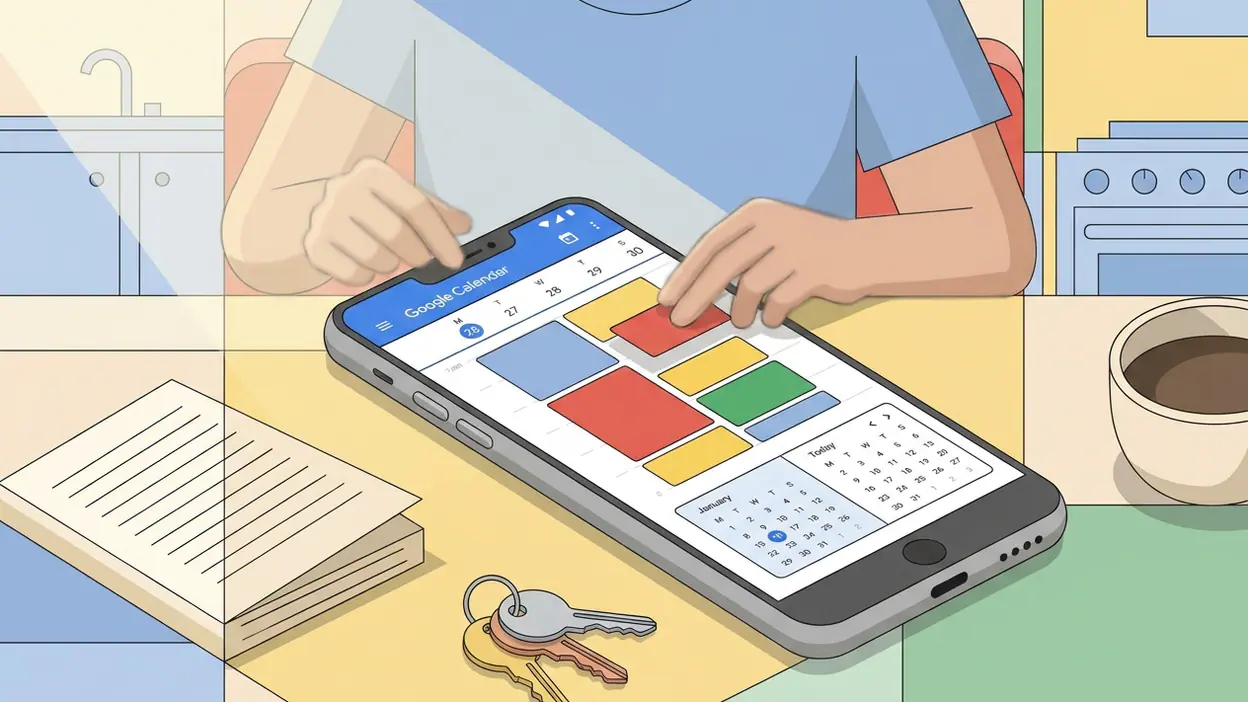
Open the app and the first impression is legibility. The calendar grid gives days and commitments a clear structure, while color helps distinguish one calendar from another. Switch to an agenda-style view and the same information becomes a chronological list that is easier to scan when you are moving through a busy day. Neither view is trying to be clever; both help answer the question that matters: what is next, and how much room is left?
Adding an event is similarly straightforward. You can set a title and time, choose a calendar, add guests, and attach a location without digging through a maze of options. Recurring appointments are handled as recurring appointments should be: set the pattern once, then let the app carry the routine forward. For a quick personal reminder, a lighter touch is available, so not every task has to masquerade as a formal meeting.
Its small conveniences are more valuable than flashy ones. Suggestions can reduce typing when you enter familiar details, and event information stays connected to practical things like a place or a guest list. Notifications give the schedule a useful nudge before an event rather than leaving you to remember every detail unaided. The app’s best quality is how these ordinary pieces reinforce one another.
Best use cases
For a working week, the strongest use is keeping meetings, focus time, and personal obligations visible together. A separate calendar for work can be switched on or off alongside a personal one, making it easier to see the real shape of the day. That is a modest feature with an outsized benefit: it helps expose the “free” hour that is actually needed for travel, lunch, or catching up.
For families and housemates, shared calendars can reduce the familiar back-and-forth of asking who is picking someone up or when the next appointment is. For students, recurring class times and deadline reminders provide a dependable scaffold around a changing workload. For anyone juggling appointments across several weeks, the ability to look ahead without rebuilding the schedule each time is the point.
It is also good for people who prefer to plan lightly. You do not need to time-block every minute or treat your life like a corporate workflow. Put in the commitments that would be costly to forget, add a reminder for the errand that keeps getting postponed, and use the week view as a reality check. The app accommodates that restrained style just as well as a detailed routine.
What feels fresh
Freshness here comes from renewed usefulness, not a dramatic visual makeover. Many people already rely on Google accounts for work, school, or personal communication, so a calendar that fits naturally into that ecosystem can lower the effort required to keep plans current. Invitations and shared events are easier to manage when the people involved can respond in familiar ways, and an event can carry the details participants need rather than leaving them scattered across messages.
That convenience has a boundary: integration should make planning simpler, not turn the calendar into a catch-all. Google Calendar is most convincing when it serves as the final, dependable record of a commitment. A chat in WhatsApp Messenger may be where a plan begins, but a confirmed time belongs in the calendar if you want it to survive a busy afternoon. Weather - By Xiaomi may help you decide whether to bring a coat; the calendar tells you when you need to leave. Those tools do different jobs, and this app is strongest when it owns its specific one.
The refreshed feeling is also personal. Once a calendar reflects the life you actually lead—rather than an idealized productivity routine—it becomes more than a grid. A few thoughtful calendar colors, useful alerts, and recurring events can make it feel tailored without demanding an elaborate setup. That low barrier is a genuine strength.
Who will connect with it fastest
Google Calendar will make the quickest case to people whose commitments already arrive through work or school accounts, and to anyone coordinating with others who use Google’s services. It also suits the chronically overbooked: not because it can create more hours, but because it makes collisions and gaps easier to notice before they become problems.
People who enjoy detailed personal systems may appreciate its flexible calendars and recurring-event controls, while less enthusiastic planners can get value from the basics alone. If you mostly need a reliable reminder for a few appointments, it does not require a complicated setup. If your schedule changes constantly, the ability to revise an event and keep the relevant details together is more useful than a pristine paper planner that cannot keep up.
It is less compelling for someone who wants every project, note, and task managed in a single workspace. A calendar is not a substitute for a full task manager, and treating every small action as a timed event can make the schedule noisy. The people who connect with it fastest are those who know the difference between something that needs a time slot and something that simply needs a place on a to-do list.
Where it beats bigger names
Its advantage over many productivity suites is its lack of ceremony. You can start with one calendar and a handful of events; there is no need to design a dashboard, build a database, or choose a system before you can plan tomorrow. That matters for everyday scheduling, where speed and confidence count more than the theoretical flexibility of a larger platform.
Google Play services is infrastructure rather than a direct scheduling rival, but it helps explain why the app can feel at home on many Android devices. That reach, paired with Google account integration and a familiar interface, makes the calendar a practical default for people who move between devices or coordinate with a mixed group. Its advantage is less about beating every specialist feature and more about reducing friction at the moment a plan needs to be recorded.
Compared with a messaging app such as WhatsApp Messenger, the calendar also provides something conversation does not: a stable, scannable record. Chats are excellent for negotiating a plan, but a confirmed appointment can disappear beneath newer messages. Placing it on the calendar gives it a time, a reminder, and a visible place in the week. That is a small but meaningful difference in how reliably people follow through.
Where it still has limits
Google Calendar can feel crowded if you enable too many calendars, colors, and notifications at once. The same flexibility that lets people separate work, home, and shared commitments can produce a busy screen if every category is switched on. A little curation helps: keep the calendars you need visible, choose alerts with intention, and avoid turning every minor intention into an appointment.
It also depends on habits and access. A calendar is only as useful as the information entered into it, and shared planning works best when everyone involved keeps their events current. If a group prefers another service or avoids online calendars altogether, Google’s integration advantage shrinks. Some people will also prefer more control over how their data and schedule are handled, so it is worth reviewing account and notification settings rather than accepting every default unquestioned.
Finally, the app is not a magic answer to overcommitment. A clean week view can reveal that you have no breathing room, but it cannot create that room for you. Its job is to show the truth clearly enough that you can make a better decision. That is useful, but it is still your decision.
Why now is the right moment
There is a particular value in getting a schedule under control before the next busy stretch, rather than waiting for a missed appointment to prompt a reset. A brief setup now can pay off immediately: separate work and personal events, add the recurring commitments you already know, and choose reminders that arrive early enough to matter. You do not need to migrate your whole life or adopt a new productivity philosophy to feel the benefit.
That is why this recommendation feels timely. Google Calendar is familiar enough to seem easy to postpone, yet the basic habit it supports—checking the week before filling it—is more valuable when responsibilities start to overlap. A few minutes of thoughtful organization can make the next several days feel less like a chain of surprises and more like a plan you can adjust.
The editor’s note
Google Calendar is our App of the Week because it gets the ordinary work of planning right: fast event entry, a readable view of what is ahead, and practical ways to share time with other people. It has limits, especially if you expect one app to manage every kind of task, but it does not need to do everything to deserve a place on your home screen. If your week currently lives in scattered conversations and half-remembered plans, this is a good moment to give it a clearer home.