 Article about ESPN
ESPN’s Live Game View Makes Following Close Games Easier
AppCompare
A close game rarely unfolds on your schedule. You might be making dinner, waiting for a train, or sitting through a meeting when the score suddenly matters. ESPN’s live game experience is built for that gap: it pulls the changing score, key statistics, and game updates into one place, so keeping up takes a glance rather than a full broadcast. That sounds like a modest convenience. In practice, it changes the app from a sports news feed into a useful second screen.
The best part is not that ESPN can tell you who is ahead. Every major sports app can do that. Its value is in making a live event legible while you are doing something else, with enough context to follow the turning points without pretending that a phone can replace watching the game. The feature is at its strongest when the action is moving quickly and your attention is divided.

ESPN
Disney · 4.5 · Free · Android, iOS
A live game, reduced to the details that matter
Open a game from a league or team page and the live view gathers the essentials around the event: the score, the clock or period, and a running account of what has happened. Depending on the sport and the event, that can include play-by-play, team and player statistics, and links to related coverage or video. The exact mix is not identical everywhere; a basketball game and a baseball game do not need the same information. That sport-specific structure is important. A live tracker works only if it explains the rhythm of the game rather than dumping numbers onto the screen.
ESPN makes the live score the anchor, then lets supporting details answer the questions that naturally follow. Who scored? How much time remains? Which player is driving the result? A fan can move from the headline fact to a little more context without hunting through unrelated stories. The interface is not a full tactical dashboard, and it does not need to be. It is a compact account of the event, designed to be checked in short bursts.
That distinction helps set expectations. The feature is primarily a companion for following a game, not a substitute for a live video feed. Video availability can depend on the event, your location, and the access attached to your account. If you expect every match to play inside the app, the experience will feel limited. If what you need is a dependable way to understand how a game is progressing, the live view is a much better fit.
Why a score is not enough
A score answers one question and leaves several others open. A team can lead comfortably or be one bad possession from losing control. A late run, a red card, a pitching change, or a turnover can matter more than the total at the top of the screen. The play-by-play and game statistics help explain how the score arrived, giving a fan a sense of momentum as well as outcome.
This is the feature’s quiet strength: it lowers the effort needed to remain emotionally invested. You do not have to search the web for a recap, switch among a team site and a broadcast, or ask someone what just happened. A handful of updates can restore the thread. That makes the app useful even when you are not able to give the game your full attention, and it makes a quick check feel more satisfying than a bare notification.
There is also a cultural element to that convenience. Sports conversations move in real time. A group chat reacts to a missed call, a late goal, or an unlikely comeback while the event is still happening. A live game view gives you enough shared context to join in, even if you are not watching beside everyone else. It cannot supply the atmosphere of a crowd or the drama of a broadcast, but it can keep you from arriving at the conversation after the result is settled.
The best test: following from somewhere else
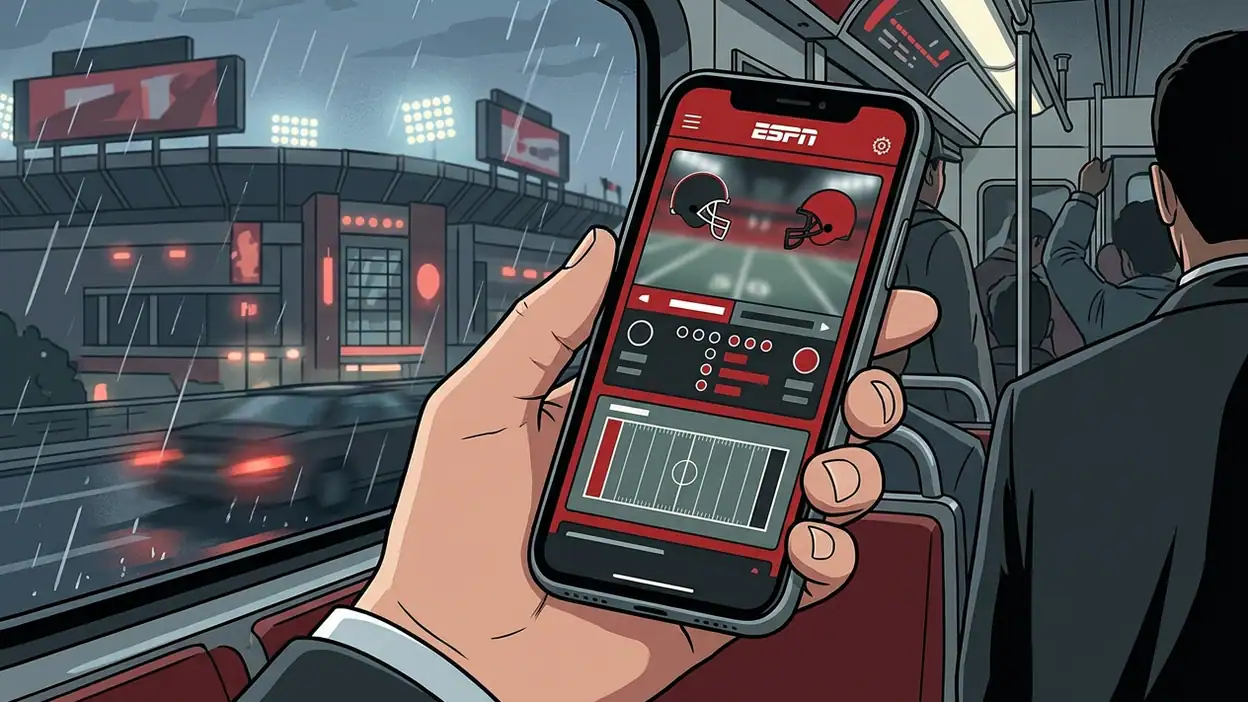
The clearest use case is a game you care about while you are away from a television. Picture a playoff game during a commute: the train is loud, the signal comes and goes, and watching a stream is either impractical or rude to everyone around you. You open the event, check the clock and score, scan the latest play, then put the phone away. A few minutes later, another glance tells you whether the situation has changed.
That stop-and-start pattern is where the live view earns its space. It respects the fact that real life interrupts sport. The information is organized so a returning fan can reorient quickly instead of reconstructing the game from a string of alerts. If your connection is stable and you have time, video may be more engaging. But for a busy stretch of the day, the live tracker is often the more usable option precisely because it asks less of you.
The feature can also shape how you choose what to follow. A fan who cannot watch every game may keep tabs on a team’s match while doing other things, or monitor a close contest after a score notification sparks curiosity. Rather than committing to a stream, you can check the situation and decide whether the next few minutes deserve more attention. The app becomes a switchboard for your focus, not merely a place to look up a final score.
Design that understands a glance
The interface’s smartest decision is hierarchy. The event comes first; the score and live state are easy to find; deeper detail remains available without crowding every visit. That matters on a small screen, where a wall of statistics can make even a simple question feel like work. ESPN’s familiar league and team navigation also helps fans move from a favorite to the live event without treating every game as an isolated search.
Notifications extend the same idea beyond the app. A score change or important update can bring you back at a useful moment, while the live page provides context once you arrive. The balance is delicate: alerts are valuable when they mark meaningful changes, but a fan who follows several teams can quickly end up with a pocket full of noise. Personalizing what you follow is therefore part of making the live feature work, not an optional bit of housekeeping.
There is a clear limit to the glance-first design. A glance is not always enough. Play-by-play can move quickly, statistics may require interpretation, and a small display cannot communicate the visual details that make a contested call or a clever play compelling. The app can tell you that something happened, but it cannot always show why it mattered. For that, a highlight or broadcast is better, when available.
ESPN also sits inside a broader content product. News stories, video, league coverage, and promotions can compete for attention around the live experience. Fans who arrive only to check a score may occasionally feel nudged toward more material than they wanted. Coverage and video access vary, too, which means the app’s usefulness depends partly on the sport, event, and account. The live game view is a strong core capability, but it does not make every part of the surrounding app equally focused.
How ESPN compares with other ways to keep up
Many sports services solve the same problem with a score list and alerts. ESPN’s advantage is the connection between following an event and finding more coverage around it: team pages, news, analysis, and, where available, video sit close to the game itself. That breadth is useful for fans who want to move from “What is the score?” to “What happened?” without changing apps.
A narrower score tracker may feel faster if all you want is a clean list of results. A broadcaster’s own app may make more sense if you mainly watch its games and already have the required subscription. Neither comparison makes ESPN’s live view redundant; they reveal its trade-off. It aims to keep the score, context, and surrounding sports coverage under one roof, and that makes it more versatile but sometimes busier than a single-purpose tracker.
Other mobile apps illustrate why the use case matters. Flightradar24 follows moving aircraft, while Android Auto is built around driving tasks; neither is trying to explain a live contest. They are useful contrasts because they organize information around a specific moment of attention. ESPN’s equivalent moment is the brief check between plays, periods, or innings. It succeeds when the screen answers a sports question quickly, then lets you return to whatever you were doing.
Who gets the most from it
The live game experience is most valuable to fans who follow several teams, work or travel during games, or want updates without committing to a stream. It is particularly handy for people who already use ESPN for news and team coverage, since the live event sits within a wider routine rather than requiring a separate score app.
It is less compelling for someone who watches every game live and wants nothing beyond the video, or for a casual fan who checks a score once and leaves. Dedicated statisticians may want richer data than the standard game view provides. And fans sensitive to frequent alerts should spend a moment trimming their notifications; otherwise, the feature designed to keep them informed can become the reason they mute the app.
My verdict is that ESPN’s live game view earns its value through context, not novelty. It turns a score check into a compact understanding of what is unfolding, and it does that especially well when attention is scarce. Its limitations are real: no small screen can reproduce the game, coverage is not uniform, and the surrounding app can be busy. Still, for following sports in the interruptions of an ordinary day, ESPN gets the central compromise right. It keeps you close enough to care without demanding that you stop everything to watch.